x

Projects Details

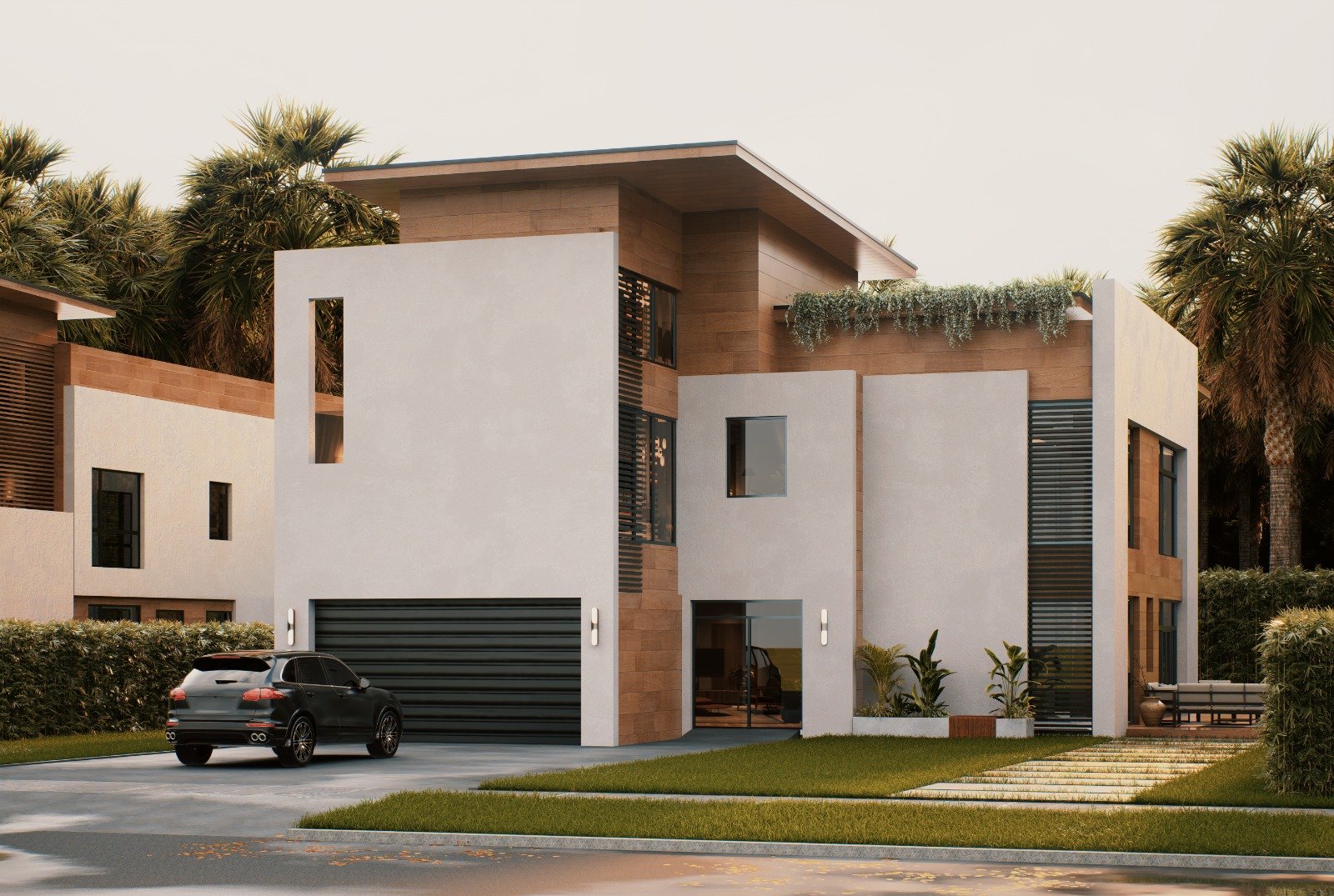
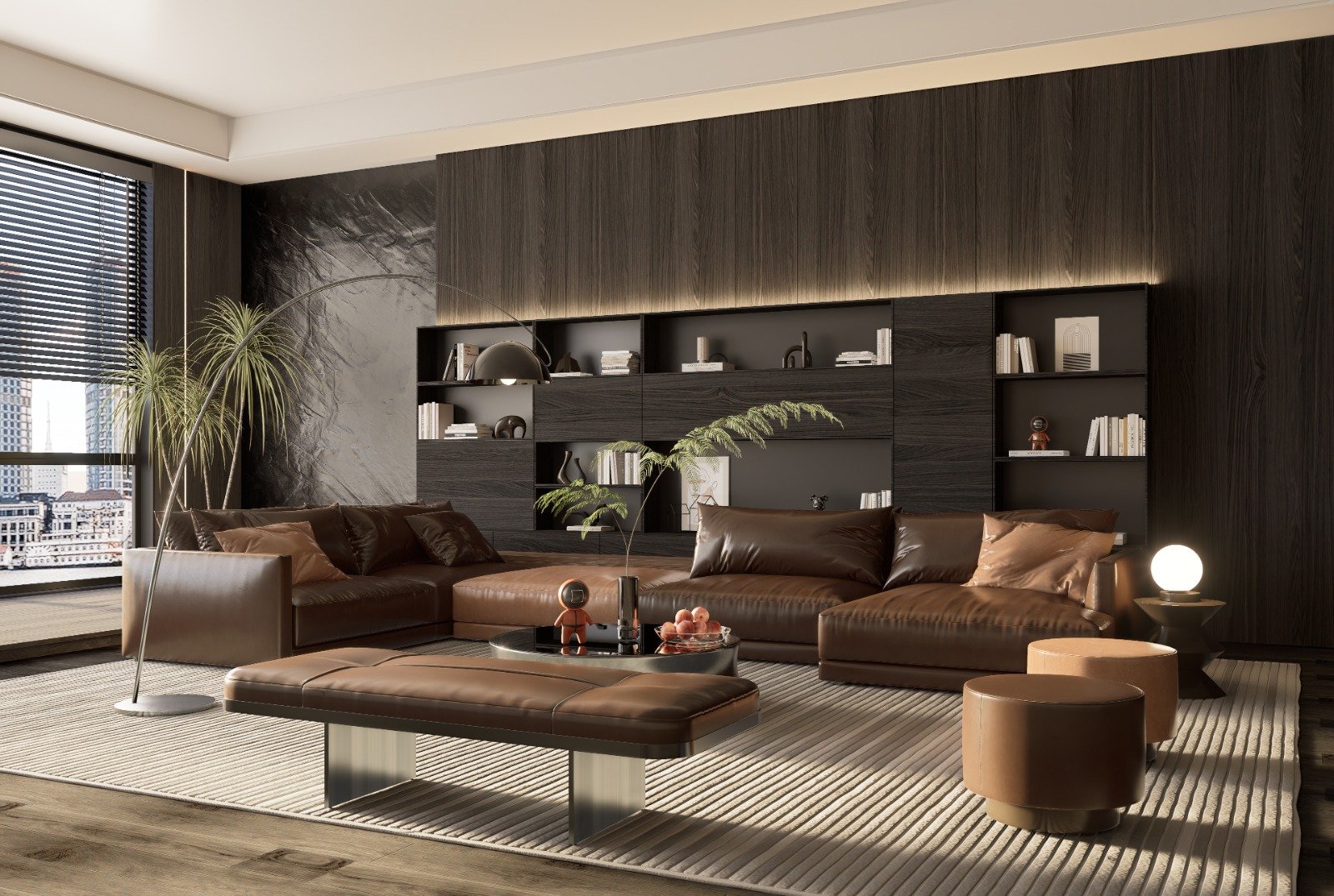
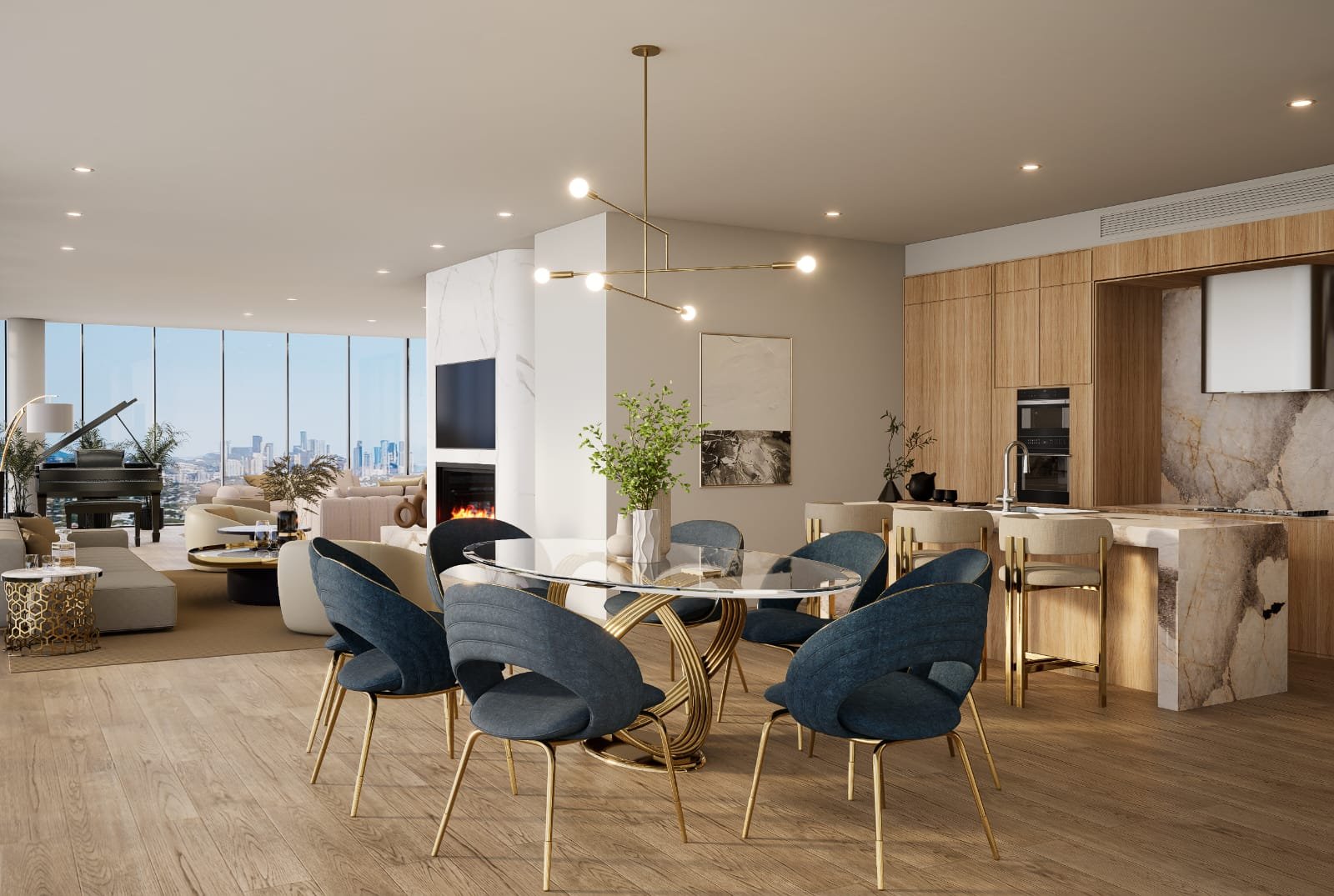
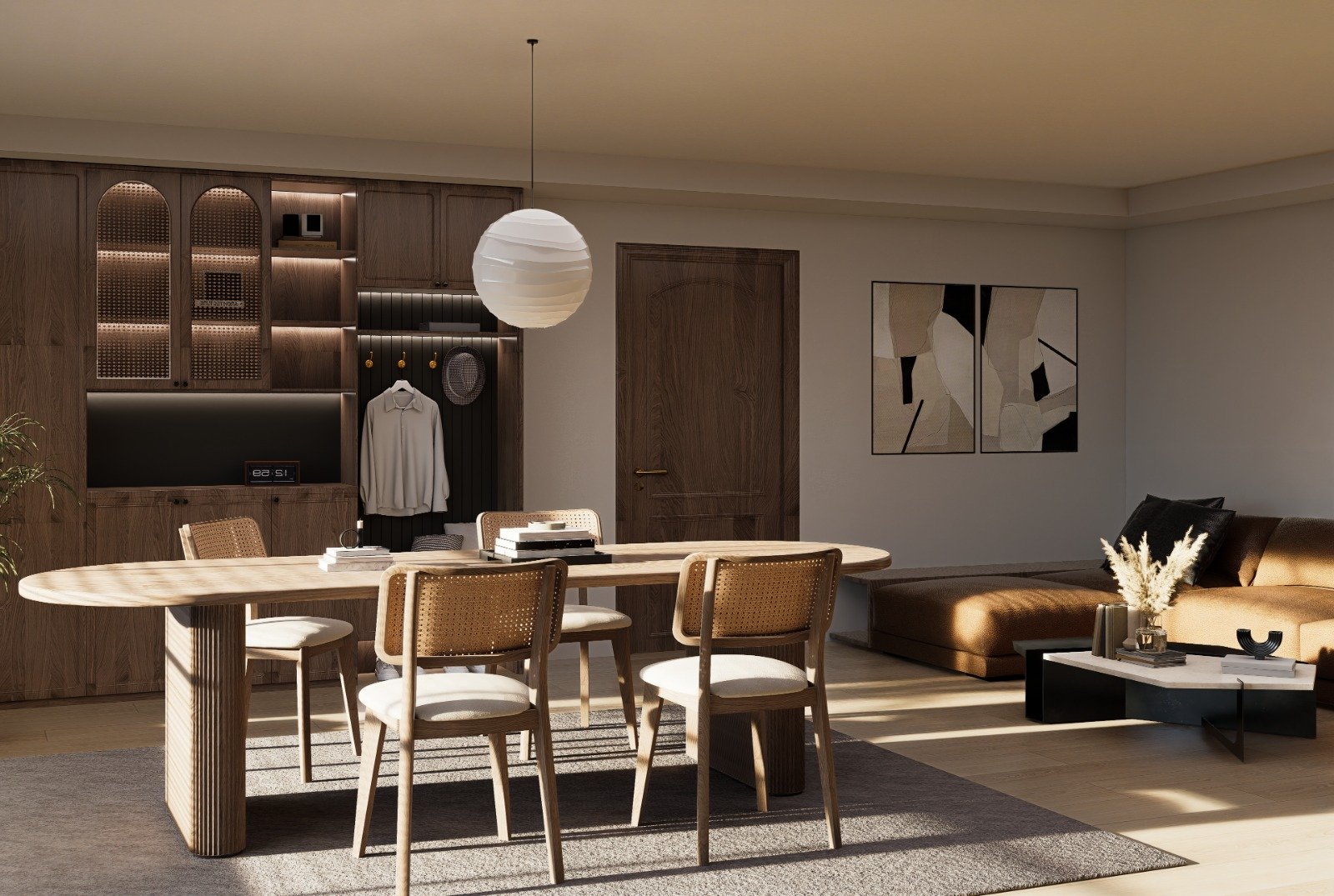
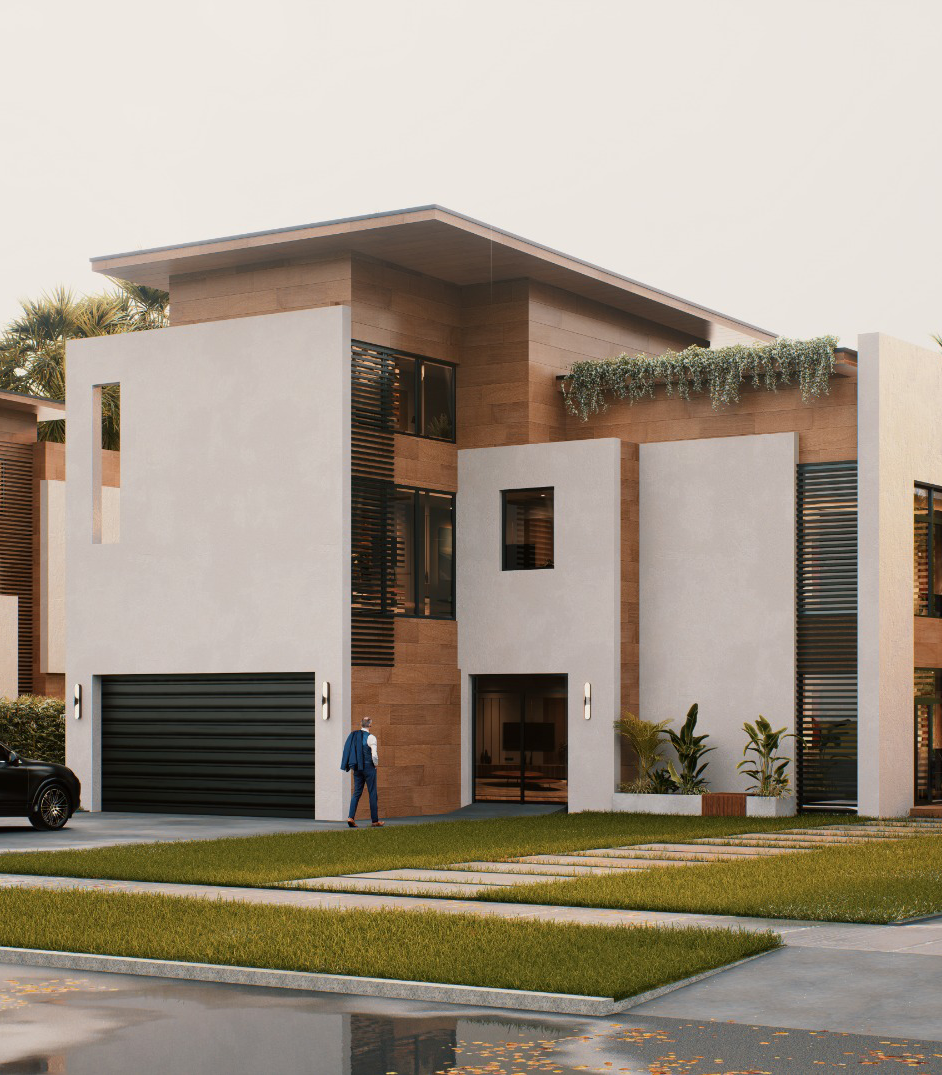
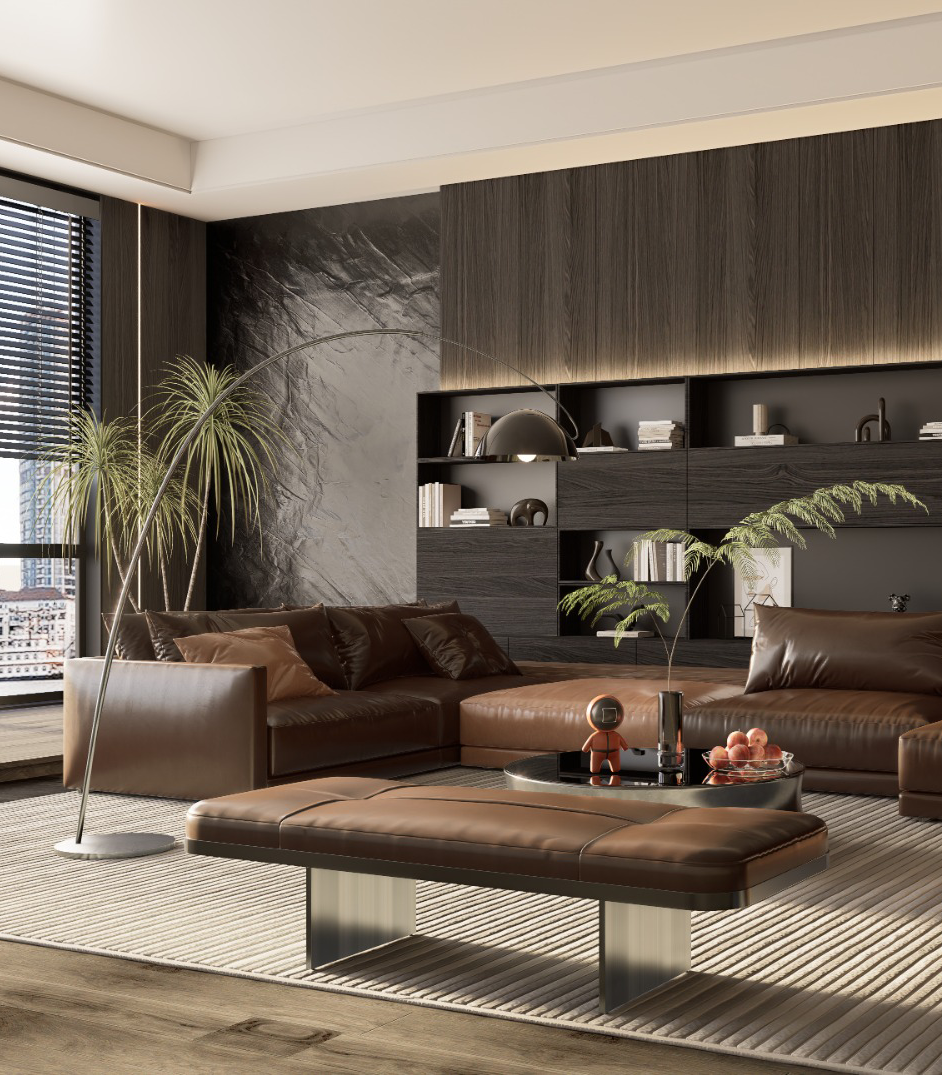
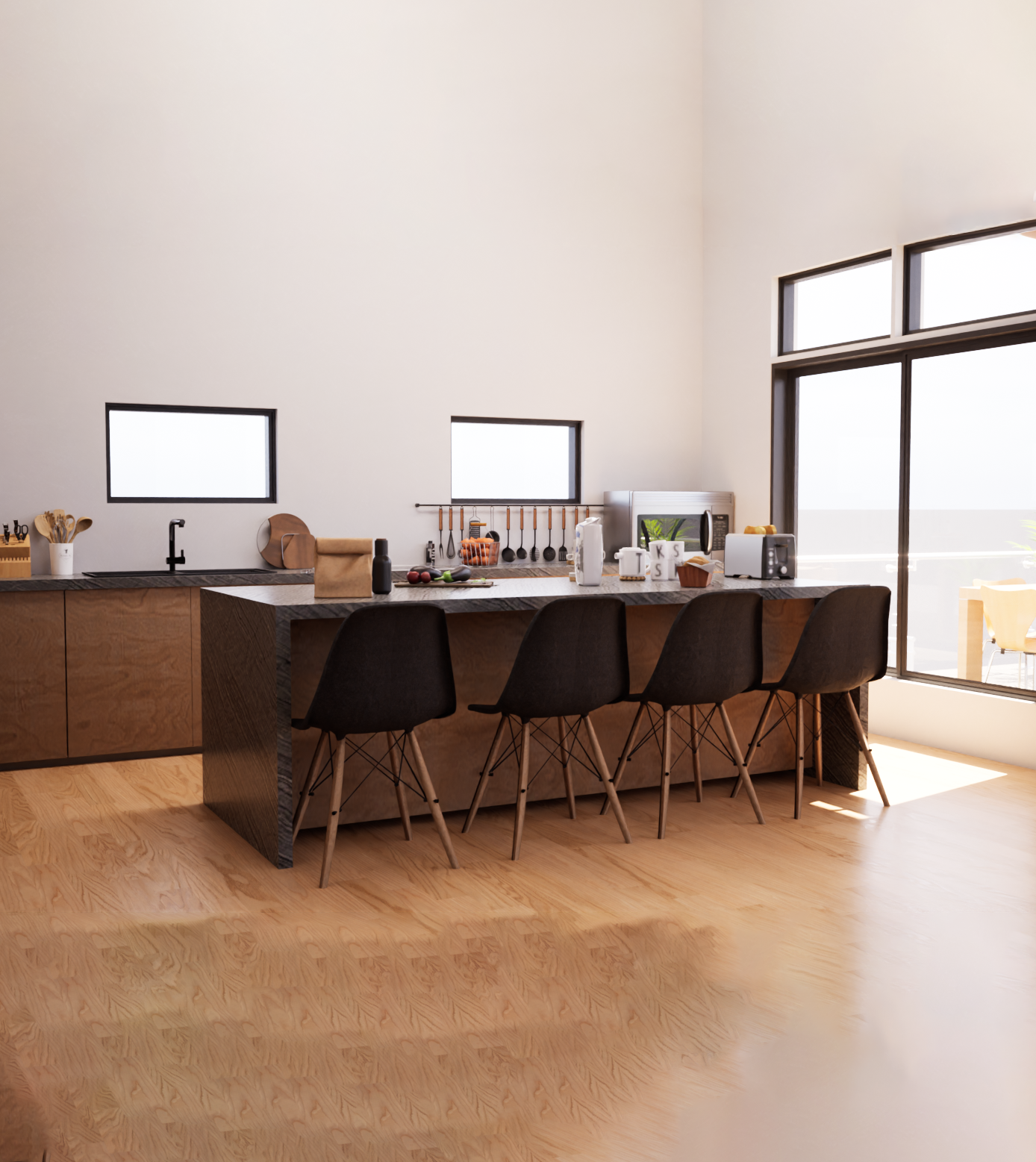
For these projects, 3ds Max is used to model buildings, interiors, furniture, and architectural details. The models are optimized and then imported into Unreal Engine 5, where the interactive features and visualization systems are developed.

Within Unreal Engine, we implement various interactive tools and user interface systems to enhance the user experience. These can include features such as changing materials with a click, replacing objects, switching design options, and using custom UI controls that allow users to interact with the project easily.

Additional elements such as environment assets, lighting setup, and scene composition are carefully designed to create a visually appealing and realistic experience. Custom tools can also be integrated to allow users to modify certain elements of the scene in real time.

The final result is a fully interactive PC walkthrough where users can navigate the environment, explore design options, and interact with different components of the project in a smooth and intuitive way.

Overview

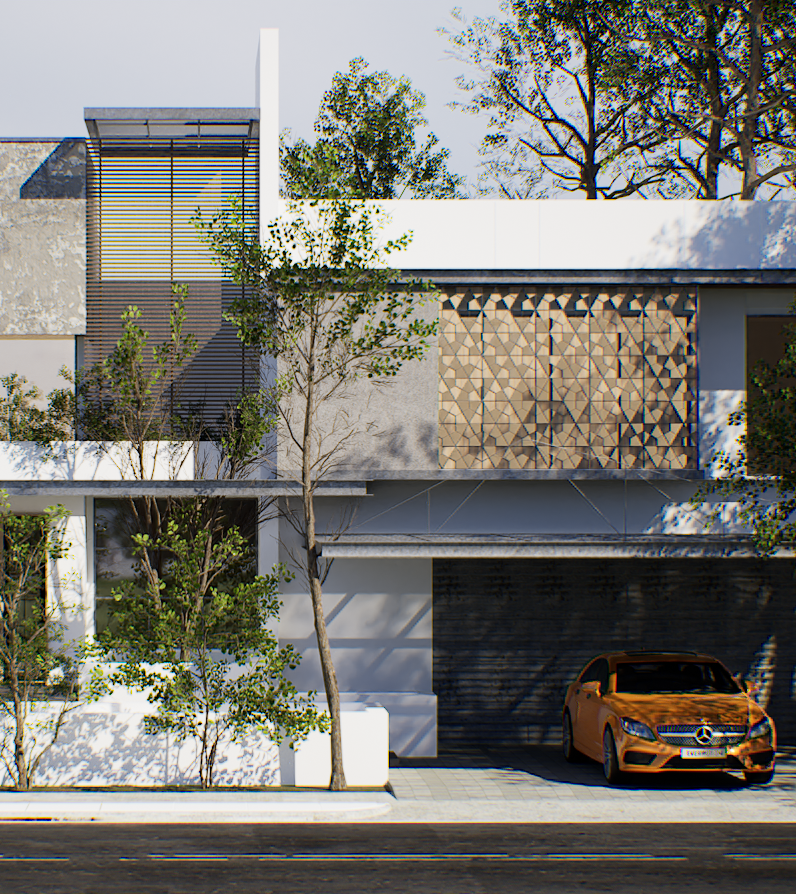
Our PC interactive walkthrough projects are designed to transform architectural designs into fully interactive real-time experiences that users can explore directly on a computer. Instead of viewing static images or videos, users can navigate the environment freely and interact with different elements of the design.

The process begins with the client providing architectural references such as floor plans, elevations, CAD drawings, or concept images. Based on these references, the architectural models and structural elements are created in 3ds Max, ensuring accurate layout, scale, and design details.

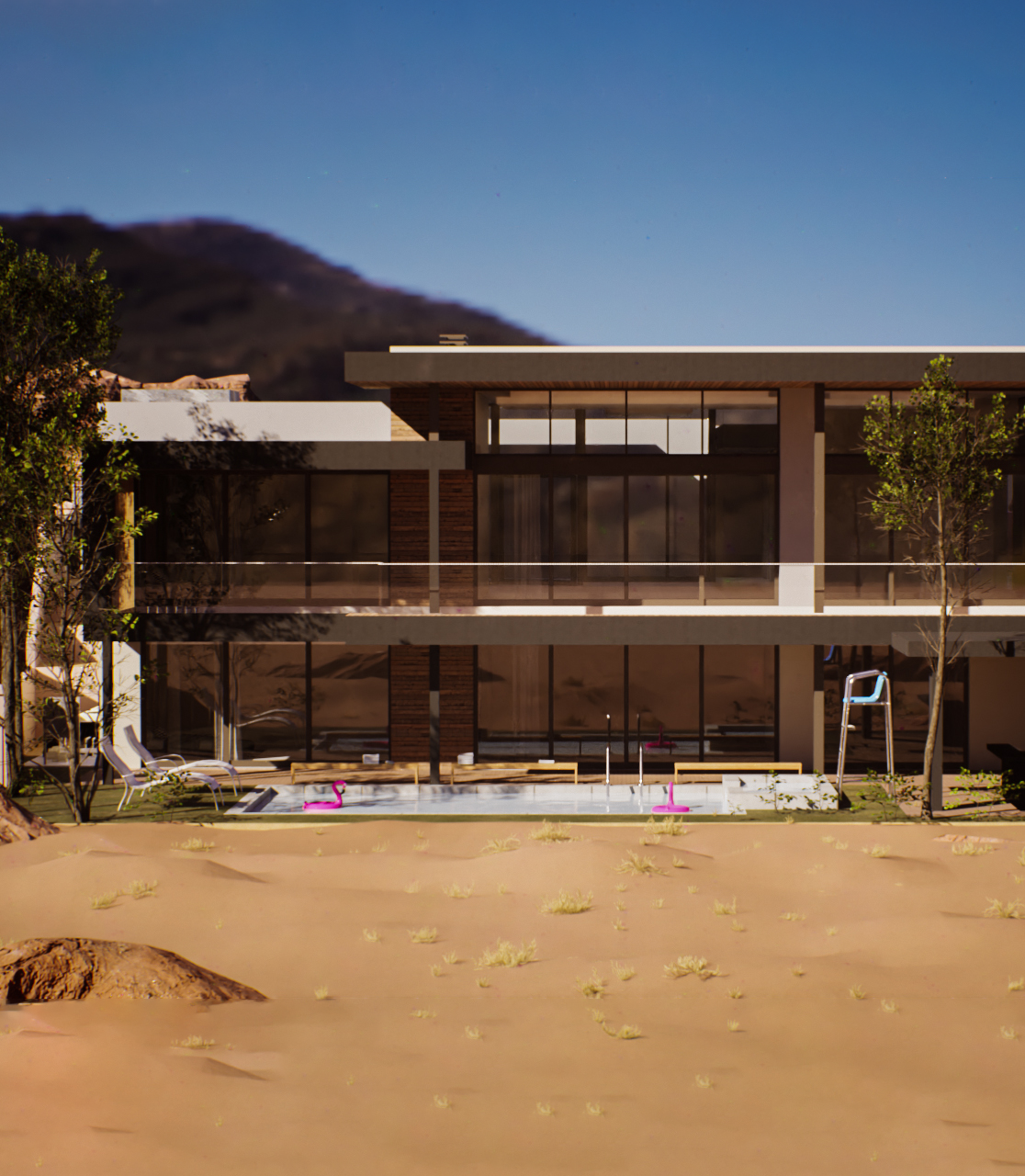
Once the modeling stage is completed, the assets are optimized and imported into Unreal Engine 5, where the interactive environment is developed. Inside Unreal Engine, we build the full scene by setting up lighting, materials, environment details, and interactive systems that allow users to explore and interact with the space.

Using real-time rendering technology and high-quality PBR materials, the final experience provides a visually rich environment that can be explored smoothly on a PC. These walkthroughs are ideal for client presentations, marketing demonstrations, and design visualization, offering a more engaging way to experience architectural projects.


Challenge

One of the main challenges in interactive walkthrough projects is balancing visual quality with real-time performance. Architectural environments often contain many detailed models and materials, so careful optimization is required to ensure the application runs smoothly on different computers.

Another challenge is designing intuitive interaction systems and user interfaces. The tools and controls must be simple and clear so users can easily change materials, replace objects, or interact with different features without confusion.

Additionally, building flexible systems that allow multiple design options and real-time changes requires careful planning and development within Unreal Engine 5.

By combining accurate modeling, optimized assets, and well-designed interactive systems, we create powerful PC-based architectural walkthroughs that allow users to explore and customize designs in real time.

Featured

Our Featured Projects

Residential Projects
Explore More
Interior Render Projects
Explore More
Unreal Engine 5 Exterior Render
Explore More
VR Interior Scene
Explore More
Exterior Rendering
Explore More