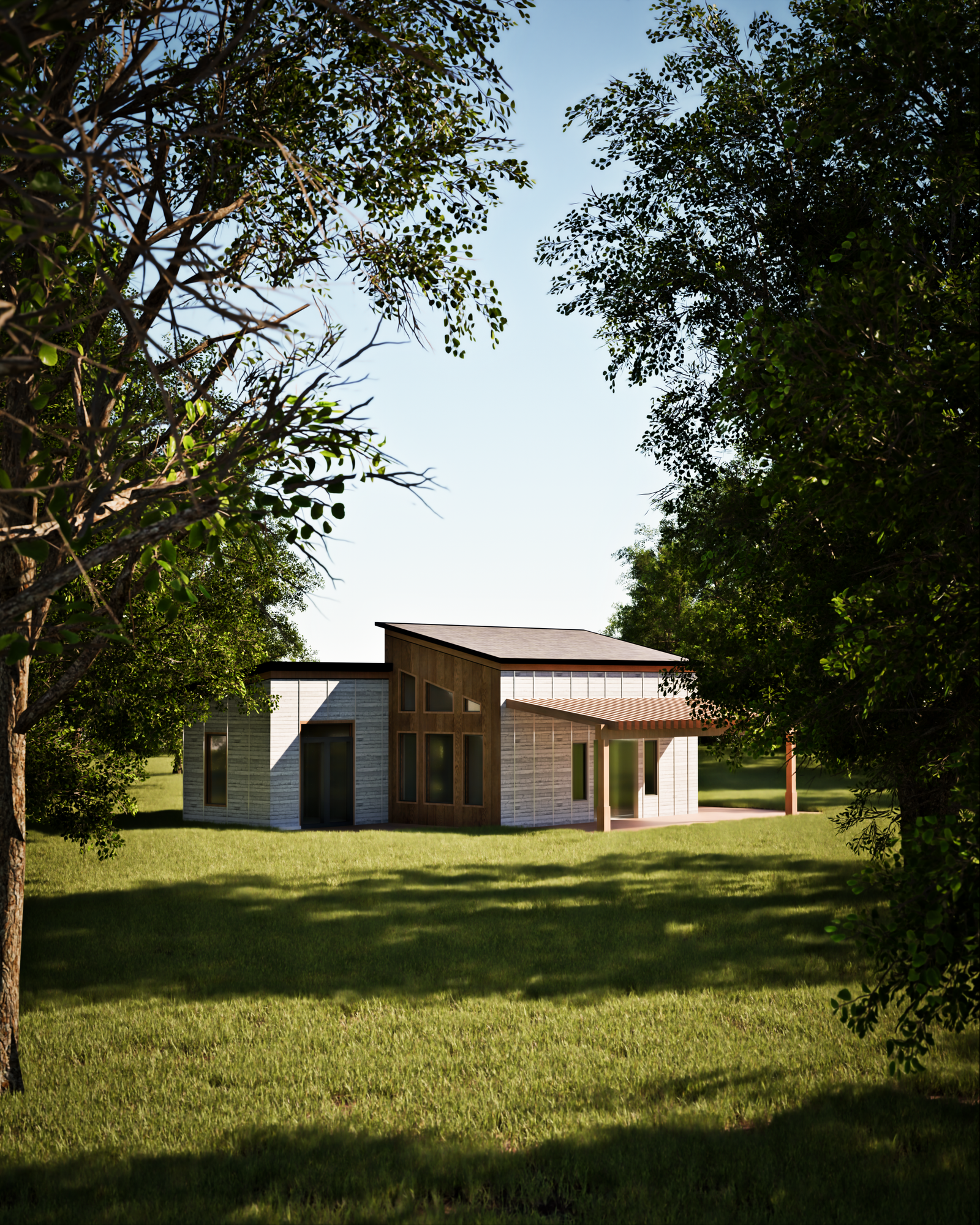
What Is Pixel Streaming and How Does It Work for Architecture Firms?
A plain English guide to real time interactive cloud rendering.
If you have heard architects or visualization studios talking about Pixel Streaming and wondered what it actually means for your business, here is the plain English explanation: it is essentially a private stream of your 3D building where the user holds the remote control.
How the Technology Actually Works
Instead of requiring your client or homebuyer to download a 20GB file, install Unreal Engine, or own a $3,000 gaming computer with a dedicated graphics card:
- A powerful cloud GPU server running NVIDIA graphics hardware runs the full Unreal Engine 5 application in a secure data center.
- The server renders every frame in real time at 60 FPS and encodes it into a live video stream.
- The video stream is transmitted over low latency WebRTC protocols directly to the user web browser (Chrome, Safari, Edge).
- When the user moves their mouse, clicks a countertop, or pinches on their iPad screen, those inputs travel back to the server in milliseconds.
The result? Flawless, photorealistic ray traced reflections, dynamic lighting, and instant material switching running smoothly on an iPhone or an office laptop.
Why WebGL and Three.js Are Not Enough for Luxury Real Estate
Standard browser 3D (such as WebGL or Three.js) runs directly on the user device. To keep from crashing a mobile phone, WebGL requires severely compressed textures, low polygon models, and baked, static lighting.
For luxury developments where buyers care about marble veining, brushed metal reflections, and true sunlight simulation, WebGL often looks like a low budget video game. Pixel Streaming delivers desktop grade Unreal Engine 5 visual fidelity with zero compromises.
Key Benefits for Architecture Firms & Developers
- Global Accessibility: Share a single URL with remote clients, investors in London, or planning boards in Sydney.
- Security & IP Protection: Your raw 3D geometry and proprietary CAD models never leave the server. The user only ever receives a video feed.
- Live Finish Customization: Clients can toggle flooring, cabinetry, wall finishes, and appliance packages during sales calls.
- Built in Lead Capture: Integrate forms and engagement heatmaps to see which floor plans and finishes buyers interact with most.
How Long Does It Take to Set Up?
At HavocLoft, transforming your architectural drawings, Revit files, or 3ds Max scenes into a fully optimized, interactive Pixel Streaming experience typically takes 2 to 4 weeks depending on scale.
Learn More with HavocLoft
Explore our full Pixel Streaming Service Details or view our Commercial Campus Case Study. Contact us today to schedule a live interactive demonstration.